Your logins are saved on this device. Tap any service to set up or update.
🏠
Beehive • Home Assistant
Long-Lived Access Token
NOT SET
🌡️
LUX Thermostat
LUX Connected Home account
NOT SET
🚰
B-Hyve Irrigation
Orbit B-Hyve account
NOT SET
🏠 Home Status
🔊Voice Control • Alexa
🔊
Amazon Alexa
Enable skills in the Alexa app to use voice control
🌡
LUX Connected Home
"Alexa, set the thermostat to 72"
💧
Orbit B-Hyve
"Alexa, tell B-Hyve to run Front Lawn"
🏠
Home Assistant (Nabu Casa)
"Alexa, turn on the porch light" — full HA control
QUICK COMMANDS
“Alexa, set the thermostat to 70”
“Alexa, what's the temperature inside?”
“Alexa, tell B-Hyve to water for 10 minutes”
🛡️Safety • Emergency
🚨 Panic is the red EMERGENCY bar at the top of Home — tap it and confirm to sound the alarm sirens + lights and alert Jeff, Angela & Braxton. (Call 911 yourself if needed.)
SAFETY MODULES
⌛
Apple Watch — Fall Detection
Active on Jeff's & Angela's watches — fall detection + emergency contacts
NOAA Radio finds the live Nashville-area NOAA Weather Radio stream (162.550 MHz) on TuneIn • Spotter Network opens your spotter site • Report to mPING opens the official NOAA app to submit precip reports
🌧 Submit a Precip Report • mPING / NOAAjlo301
Report what you see — rain, snow, sleet, freezing rain, hail, or a funnel —
straight to NOAA/OU. Opens the official mPING app where you tap the type and hit submit.
Opens the official mPING app (App Store) • tap Open, pick the weather type, hit Submit • the website only shows the map — the app is where you report.
📊 Weather Station
Station IDKTNWHITE21
Station NameIndian Ridge / jalo301
Coordinates36.477° N, 86.66° W
Elevation863 ft
LocationWhite House, TN
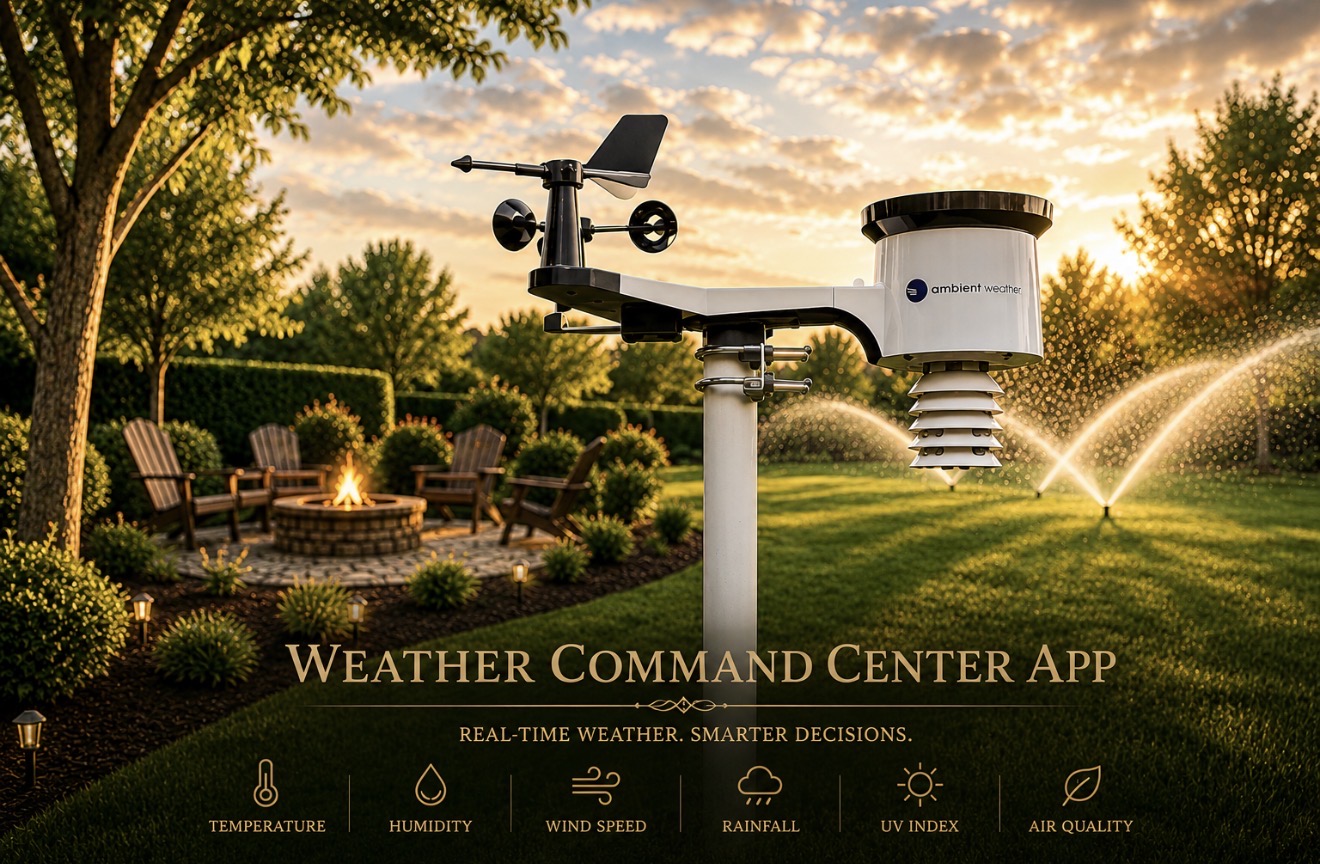
HardwareAmbient Weather WS-2902
SoftwareAMBWeatherV3.0.0
🎖
WU Recognized Station
KTNWHITE21 • Indian Ridge / jalo301
Quality-verified by Weather Underground • 863 ft • White House, TN
★ ★ ★
🔥 Brush Burn Conditions
🔄 Loading conditions…
🚰 Water Hog
🔄 Loading irrigation…
Mode
--
Rain Delay
--
Live from Orbit B-Hyve • Water Hog
🧠 B-Hyve Intelligence
Rain Delay
--
Smart Zones
--
Next Run--
Last Watered--
Controller--
Run Mode--
B-Hyve automatically skips watering when rain is forecasted by your KTNWHITE21 weather station • Smart zones adjust runtime based on soil moisture & ET
💧 Lawn Water Need
⌛ Loading rain & drought…
Rain Today (station)—
Current Rain Rate—
Drought Status (37188)—
U.S. Drought Monitor • Robertson County • KTNWHITE21 rainfall
🌿 Your Zones • Water Hog
Connect B-Hyve to enable live status and zone control. Zone names will update automatically once connected.
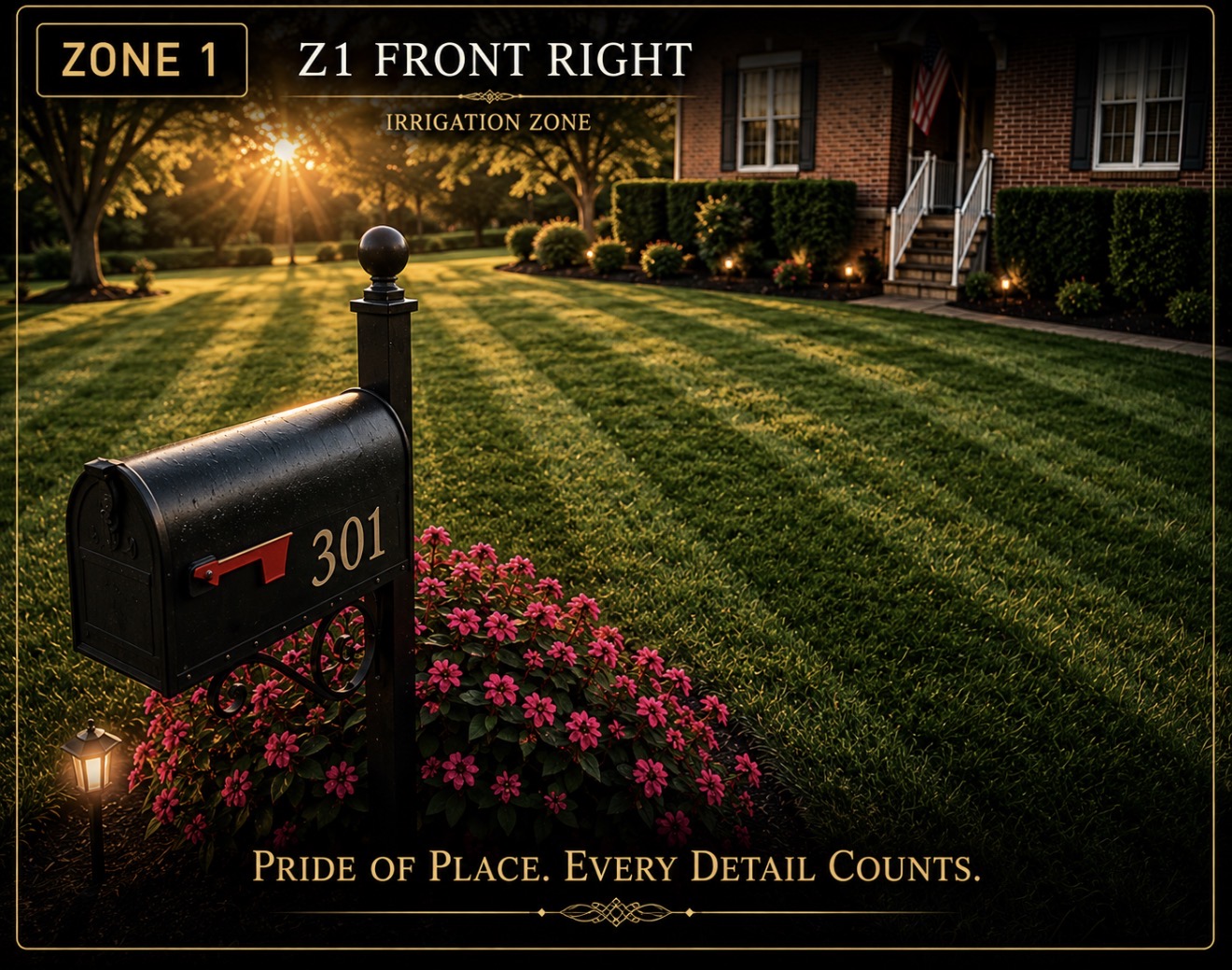
Z1 Front Right
IDLE
Station 1
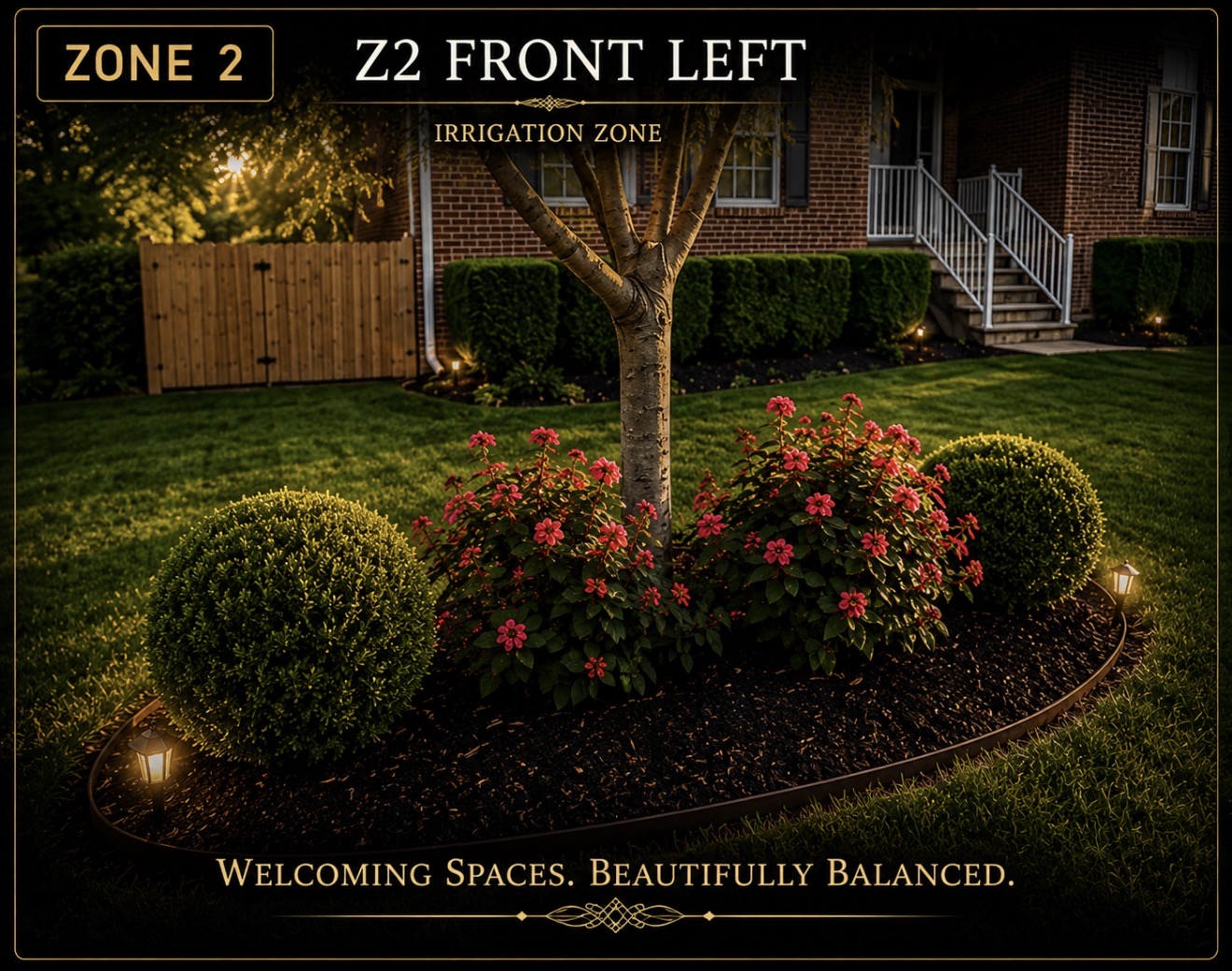
Z2 Front Left
IDLE
Station 2
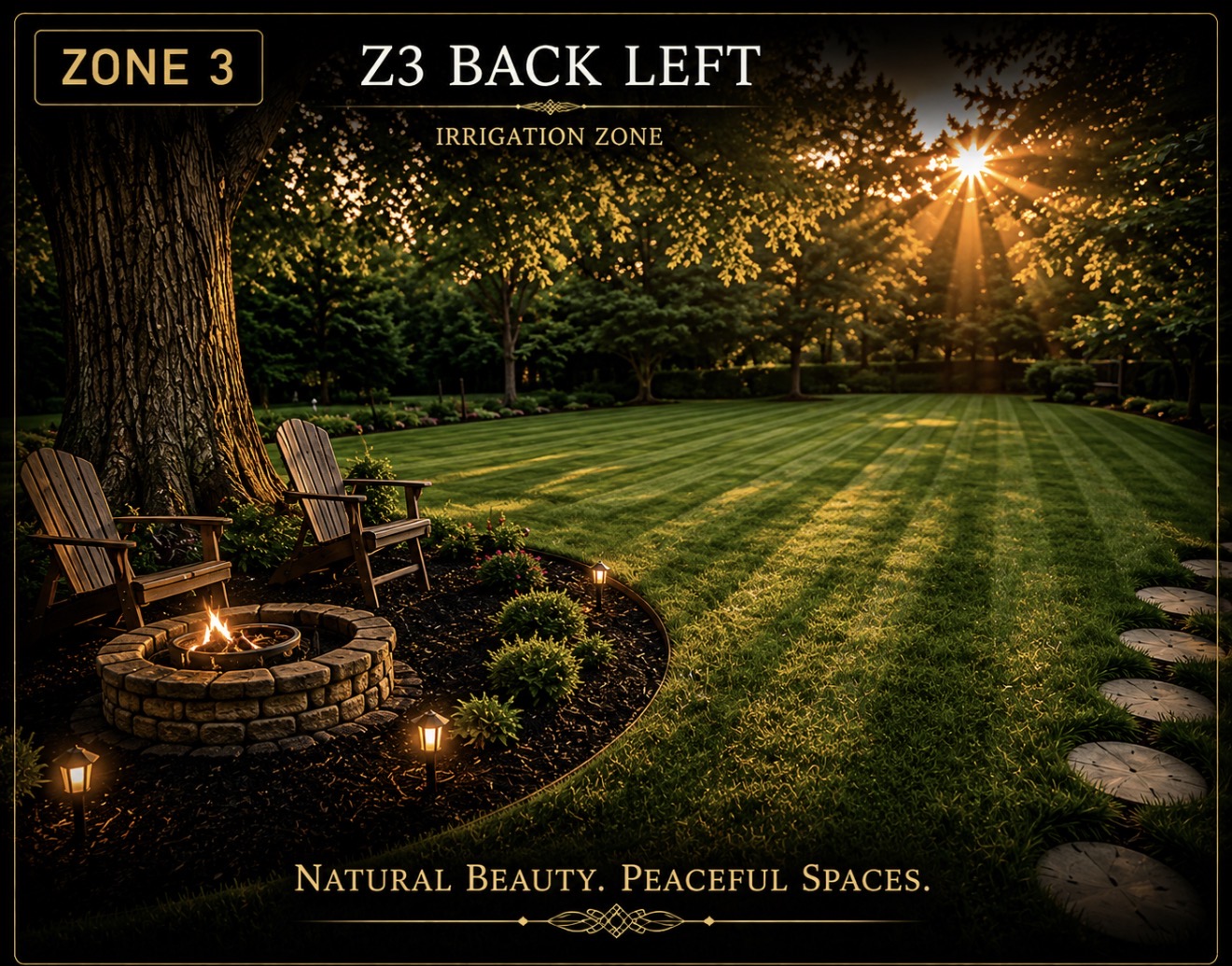
Z3 Back Left
IDLE
Station 3
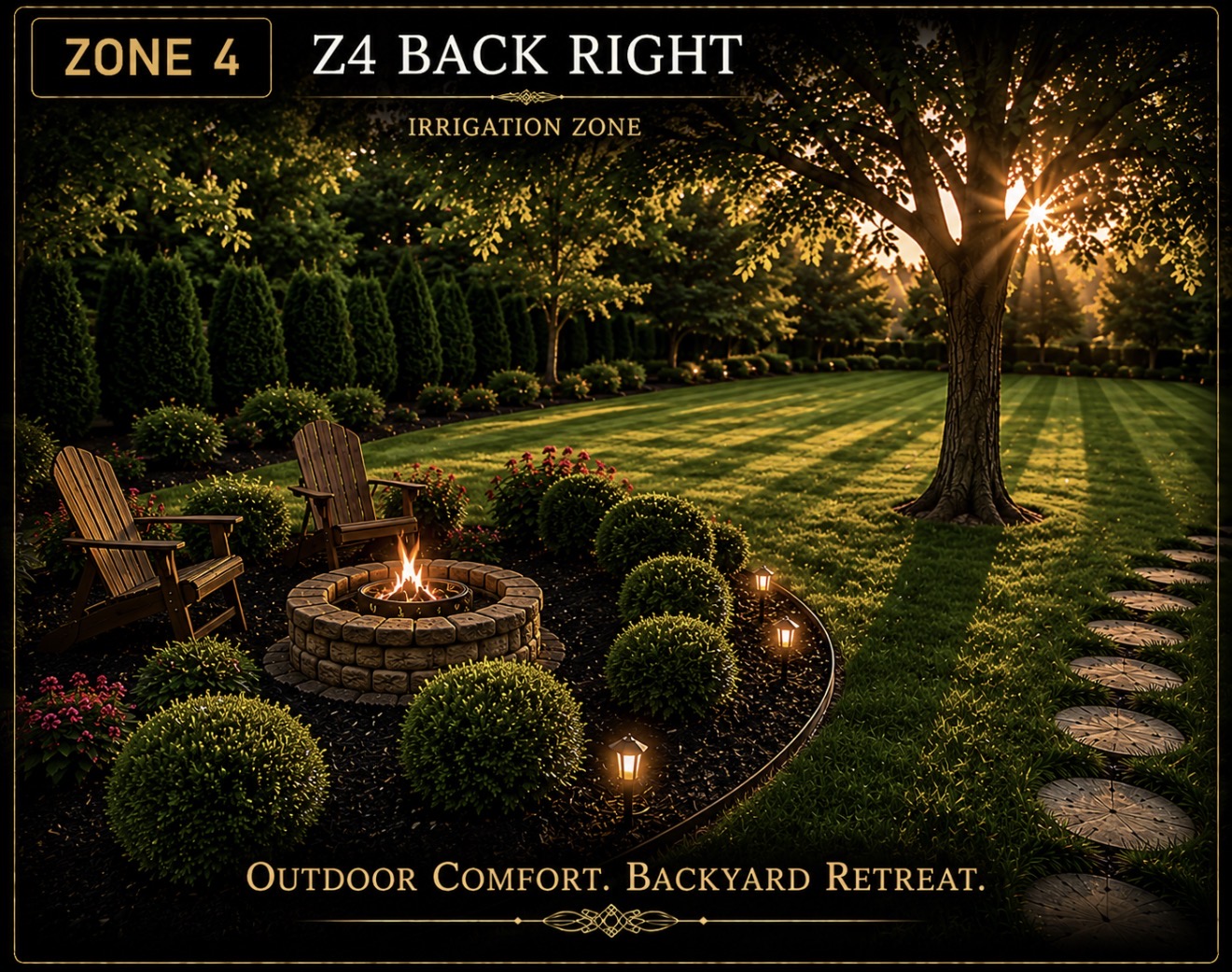
Z4 Back Right
IDLE
Station 4
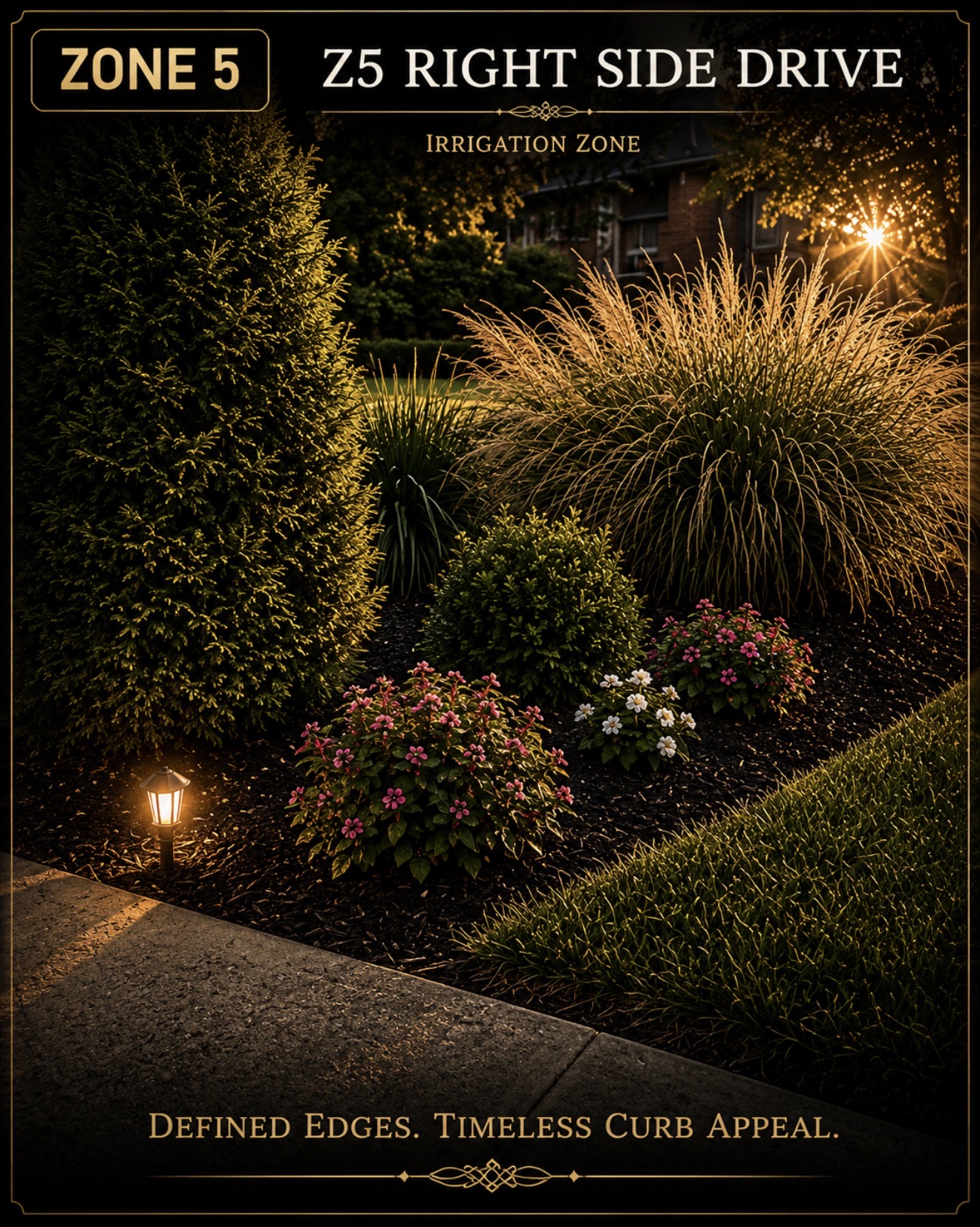
Z5 Right Side Drive
IDLE
Station 5
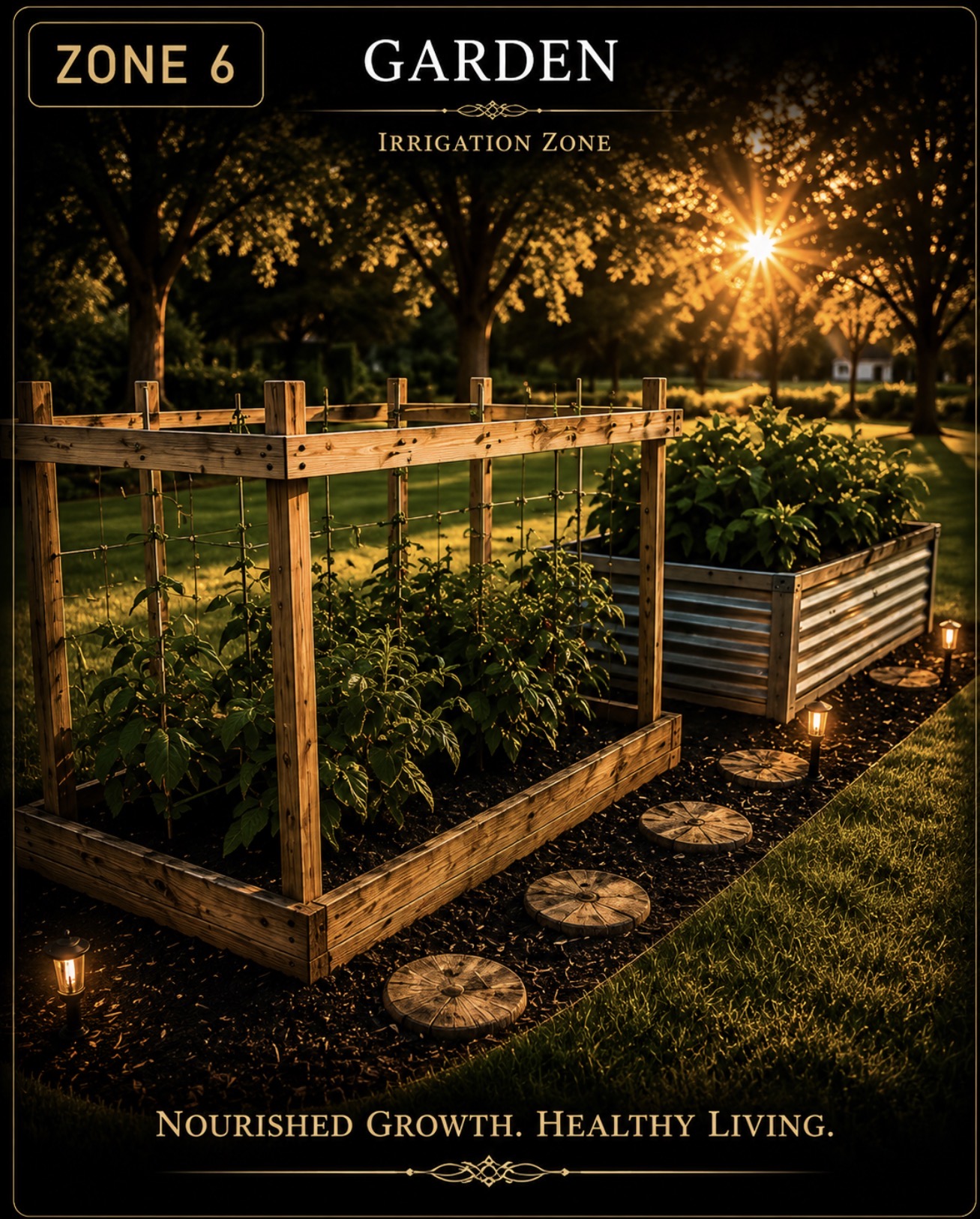
Garden
IDLE
Station 6
⚙ B-Hyve Account
Enter your Orbit B-Hyve login to enable live zone status and control.
Already using Beehive? Enter your HA token in HOME — zones appear automatically when Beehive is online.
⚙
Model
21200
🔢
Serial
401338948
🔧
Engine
B&S 14D935
📅
Purchased
2018-04-11
⏱
Hour Meter
2.5
HRS
❤
Condition
99%
SensorsStatusHealthServiceFitnessWeather
🔄Before you mow: press RESET on the sensor box — it gives the motion sensor a clean start (vibration & RPM), a faster GPS lock, and a fresh track for this mow.
🌿 Mowing Conditions
🔄 Loading conditions…
Rain Risk
--
Soil Condition
--
Soil Temp
--
Dew on Grass
--
Soil Firmness
--
Rain 24–48h
--
Heat Stress
--
Lightning
--
🌿 Ready to Mow?
⌛ Checking…
📡 Engine Hour Sensor Data
Pulls engine hours, battery, RPM, GPS distance, and mowing speed from the WiFi/GPS sensor. GPS distance feeds the Fitness miles walked tracker automatically. Hours only ever move forward.
⚡ Battery Voltage—
Battery status waiting for sensor
❤ Battery Health—
🔋 Start Reliability—
⚙ Engine RPM (peak / avg)—
🛰 GPS Distance (Total)—
🛰 GPS Distance (This Mow)—
💨 GPS Speed—
📍 Last Location—
📐 Pitch / Roll— / —
📣 Vibration—
🔳 Shock Events—
⚠ Tip Risk—
📶 WiFi Signal—
🌡 ESP Temp—
SENSOR HEALTH
MPU —GPS —BATT —WIFI —
Not synced yet
📊 Equipment Status
RUNNING PERFECTLY
⏱ Hour Meter
2.5
Hours Since Restoration
Next Service
--
--
2
Total Mows
99%
Condition
--
Hrs to Svc
❤ System Health
99%
OVERALL
🔧 Service Status • Driven by Hour Meter
⏱ Upcoming Schedule
🚶 Fitness • Miles Walked Mowing
🚶 Total Distance
0.0
Miles Since Tracking Started
Calories Burned
0
est. kcal
0
Mows Tracked
4.0
Avg Mi/Mow
--
GPS MPH
0
~Steps
10,000 sq ft yard · GPS sensor feeds miles + speed · 30″ swath · gentle slope (+20% cal)
🗺 Yard Map • GPS Mowing Track 📍 Calibrated
Real aerial photo of your property. Your mow path draws in Toro red automatically. To line it up with the photo, tap Pin Track to Photo — then just tap where you started and where you ended. No coordinates to type.
No GPS track yet — it’ll appear after your first mow with the sensor installed.
📍 Pin Track to Photo
On the photo above, tap where you started mowing.
🕐 Recent Activity
🔧 Service Schedule • Hour Meter Driven
💰 Spending Tracker • Going Forward
💰 Total Spent
$0
Parts & Accessories You've Logged
Purchases
0
items logged
Tracks only what you log here • your restoration history below is unchanged
📋 Complete Maintenance History
Restoration record + every service you log, newest first. ● = logged in app
Date
Service / Repair
Part #
Cost
Notes
📅 Session Log
📐 Exploded Parts Diagrams • Model 21200 & B&S 14D935
Full interactive blow-apart diagrams matched to your serial (401338948) and engine. Tap any part in the diagram to get its OEM number.
Logs, hours & miles are saved on this device only. Export a backup to keep them safe or move to a new phone.
Standing watch over 301
🛡️ Home Guardian
🛡️ Checking the house…
👥People—
💧Water—
⚡Electric—
🔥Gas—
🌡️HVAC—
🚗Garage—
🚪Doors—
📡Devices—
Live from Beehive · auto-refreshes every minute
💡 Lights & Plugs
🔄 Loading…
No lights or plugs in Beehive yet. Add a smart plug (Smart Life → then the HA Tuya integration) and it shows up here automatically to control & automate.
Live from Beehive
🤖 Robot Vacuum
🔄 Loading…
Live from Beehive
🌡️ LUX Thermostat
🔄 Loading thermostat…
Room Temp
--°
Set Temp
--°
MODEFANSCHEDULE
Device
--
Last Sync
--
Live from LUX Connected Home
⚙ LUX Account
Enter your LUX Connected Home login to enable thermostat control from this app.
Use the same email and password as the LUX Connected Home app on your phone.
🛡️ Connect Beehive
Home Guardian watches your people, utilities, HVAC, garage, doors and devices through Beehive (Home Assistant). Go to the HOME tab and connect your Beehive token, then these checks go live. Rows marked “Sensor pending” light up as you add each sensor.